Does Iphone 11 Have Esim?
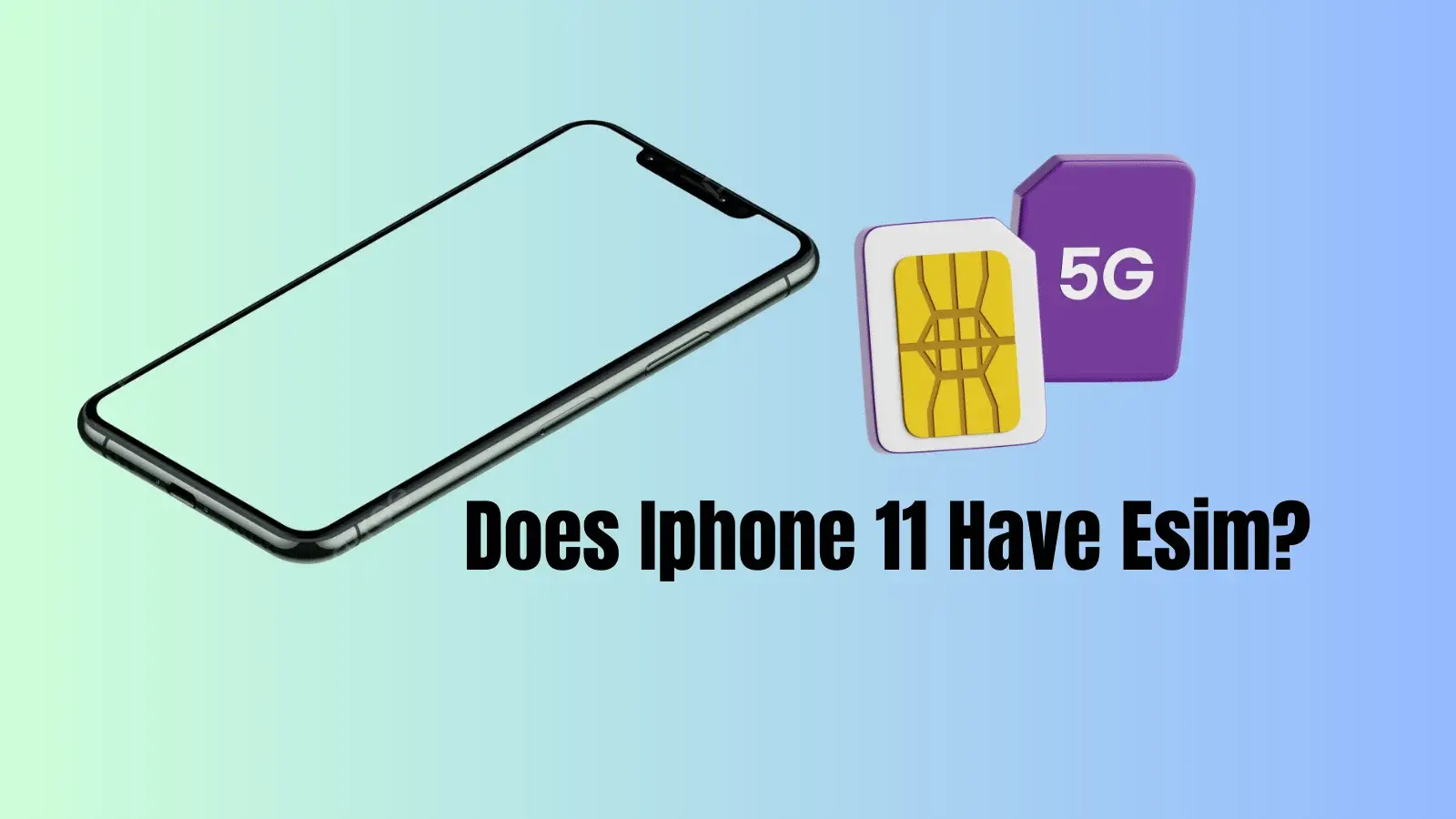
Yes, iPhone 11 does have eSIM support, so it can run Dual SIM using one nano-SIM + one eSIM (in most regions and models). The main exceptions are certain region-specific models (notably some China/Hong Kong variants) and situations where the device is carrier-locked, which can block adding an eSIM plan.
Quick summary (2026)
| Question | Short answer | What to do next |
|---|---|---|
| Does iPhone 11 support eSIM? | Yes (Dual SIM: nano-SIM + eSIM). | Confirm “Add eSIM” exists in Settings. |
| Can iPhone 11 use two eSIMs at once? | No: one eSIM can be active alongside one physical SIM. | Keep home line on physical SIM, travel data on eSIM. |
| Why might eSIM not work? | Carrier lock or some region-specific models may not support eSIM. | Check Carrier Lock + model region in Settings. |
Does iPhone 11 have eSIM?
The iPhone 11 supports eSIM and is considered a Dual SIM iPhone with nano-SIM + eSIM capability. This lets one line handle calls/texts while the other line (often the eSIM) handles mobile data, depending on how the device is configured.
Which iPhone 11 models might not support eSIM?
Some iPhone 11 units tied to specific regions (commonly certain China-region model variants) may not support eSIM. Also, if the phone is carrier-locked, adding an eSIM from another provider may fail until the device is unlocked.
How to check eSIM support on iPhone 11 (fast)
Use these checks to confirm eSIM availability on the device:
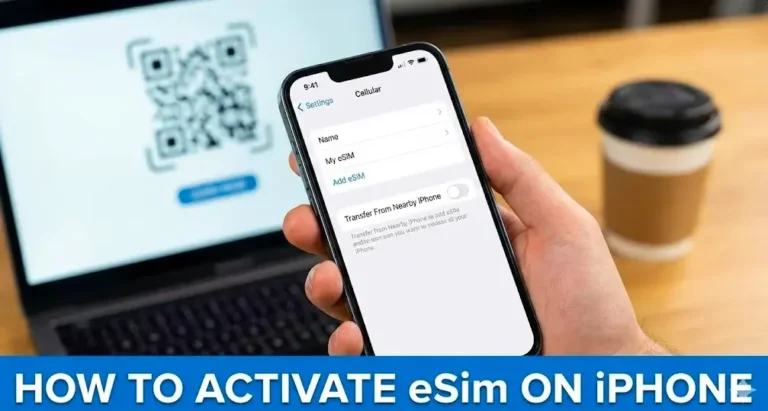
- Settings path check: go to Settings > Cellular and look for an option like Add eSIM / Add Cellular Plan.
- Lock status check: go to Settings > General > About and look for Carrier Lock status (for example, “No SIM restrictions” indicates unlocked).
- Model-region check: in Settings > General > About, view the Model Number and verify it is not a China-region variant if eSIM is missing.
How to activate eSIM on iPhone 11
eSIM setup is typically done via one of these methods (depends on carrier and country):
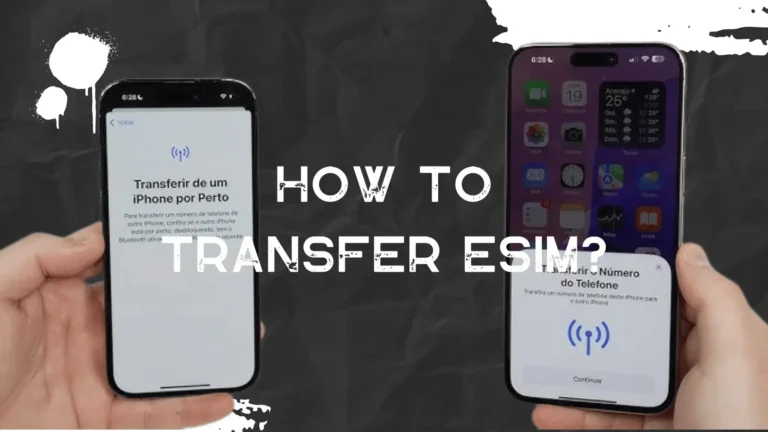
- Carrier activation (the carrier pushes the eSIM to the phone).
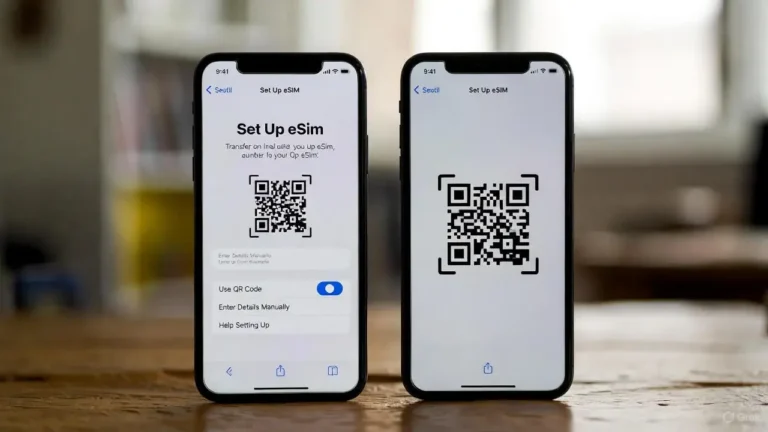
- QR code (scan a QR code provided by the carrier/eSIM provider).
- Carrier app (some carriers install the plan inside their iOS app).
After activation, Dual SIM lets users label lines (for example “Primary” and “Travel”) and choose which line is used for data to avoid roaming on the main line.
Common questions users ask next
- Do you need Wi-Fi to add an eSIM? Setup is usually easiest on Wi‑Fi, especially for QR-based activation and initial plan download.
- Can you keep iMessage and FaceTime on your main number? Yes, Dual SIM is designed so users can keep a primary line for calls/texts while switching the data line as needed.
- Can you tether (Personal Hotspot) from an eSIM plan? It depends on the eSIM provider’s policy; some travel eSIMs restrict hotspot, so check plan terms before buying.
Travel and setup details (APN, data, speeds)
If mobile data works poorly after installing an eSIM, the most common fixes are selecting the correct Cellular Data line and confirming provider settings. Some providers require APN configuration, while others install settings automatically. Performance in 2025 depends mostly on the eSIM provider’s local network partner and the plan’s throttling policy rather than the iPhone 11 itself.

Tasnima Tabassum Ema is the Founder and Lead Data Analyst at eSIM Expart. Driven by her own costly roaming nightmares, she built the site to save fellow travelers money. She specializes in rigorous, real-world testing and calculating the true cost per Gigabyte ($/GB) to ensure you always get the cheapest, most reliable connection.