Does Iphone 12 Have Esim?
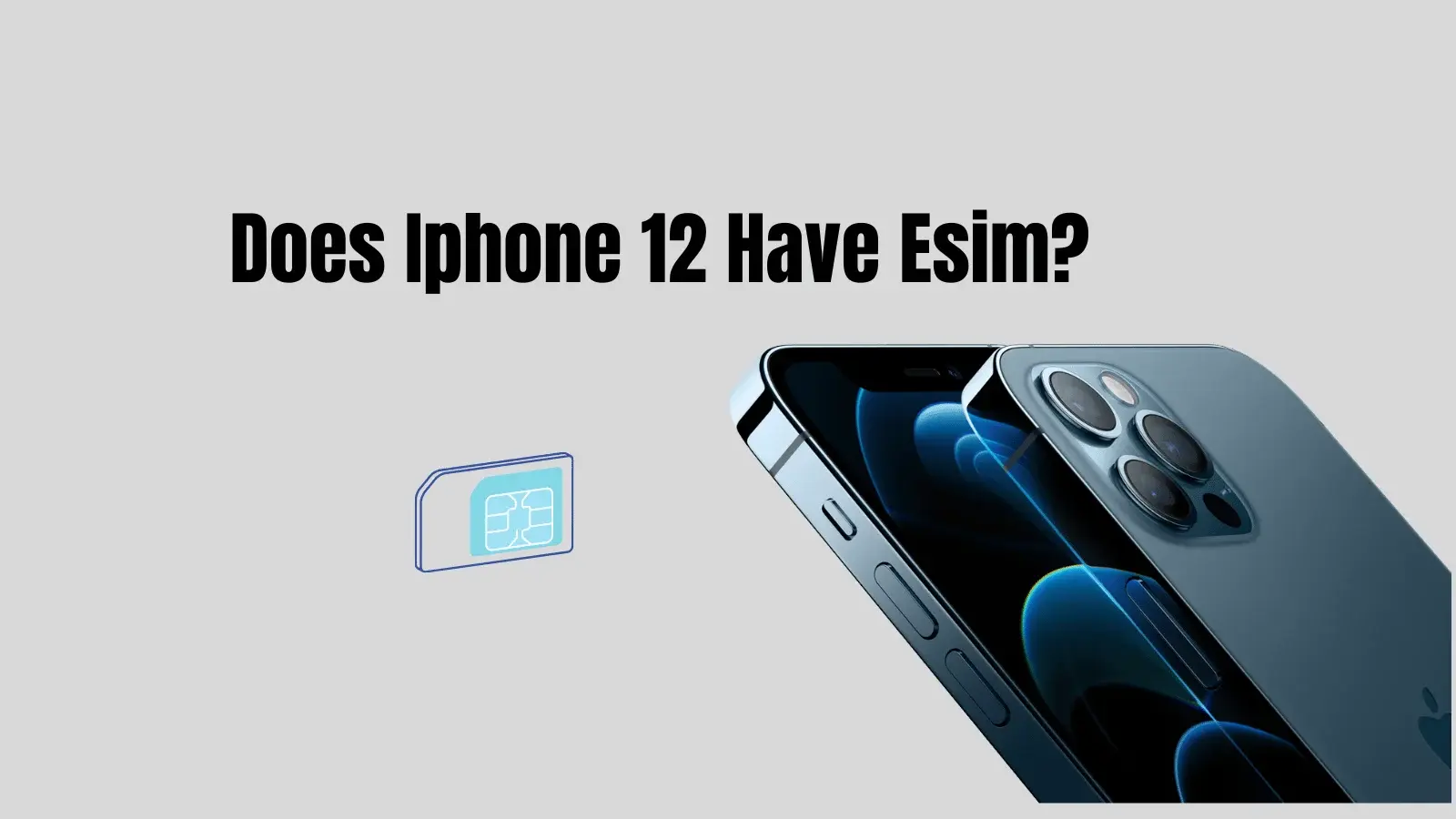
Yes, iPhone 12 does have eSIM support, so it can run Dual SIM using one nano-SIM + one eSIM (in most regions). This is the simplest setup for keeping a home number for calls/texts while using an eSIM for travel data or a second line.
Quick summary (2025)
| Question | Short answer | What to do next |
|---|---|---|
| Does iPhone 12 support eSIM? | Yes (Dual SIM: nano-SIM + eSIM). | Check for “Add eSIM” in Settings. |
| Can iPhone 12 store multiple eSIMs? | Yes, it can store multiple eSIM profiles, but active lines depend on configuration. | Keep several travel eSIMs saved and switch as needed. |
| Why can’t I add an eSIM? | Often carrier lock, unsupported carrier, or region/carrier limitations. | Check Carrier Lock status and try QR or carrier app setup. |
Does iPhone 12 have eSIM?
All iPhone 12 family devices (iPhone 12, 12 mini, 12 Pro, 12 Pro Max) are built with eSIM capability in addition to a physical nano-SIM tray. This enables Dual SIM so a second plan can be added without swapping physical SIM cards.
Which iPhone 12 versions support Dual SIM?
In most markets, iPhone 12 uses:
- 1 nano-SIM + 1 eSIM (common global configuration).
- Some region-specific models may differ in how Dual SIM is implemented, so the most reliable verification is checking the device settings and the model’s regional variant in “About”.
How to check eSIM support on iPhone 12 (fast)
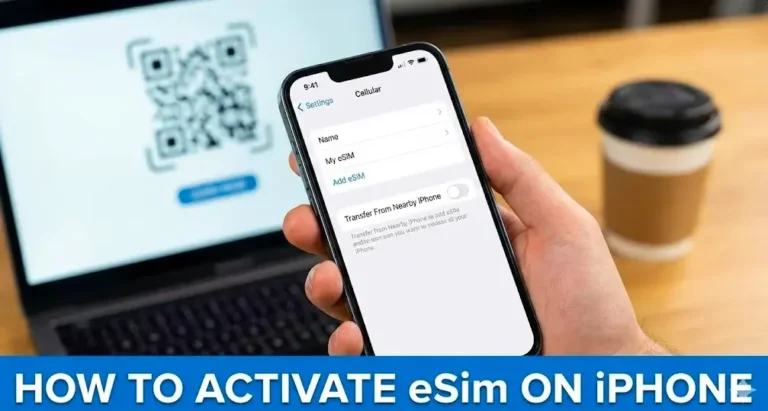
- Go to Settings > Cellular (or Mobile Data): look for Add eSIM (or “Add Cellular Plan”).
- Go to Settings > General > About:
- Check Carrier Lock (unlocked devices are typically easier to use with any eSIM provider).
- Note the Model Number if the eSIM option is missing.
How to activate eSIM on iPhone 12
Common activation methods (depends on carrier and country):
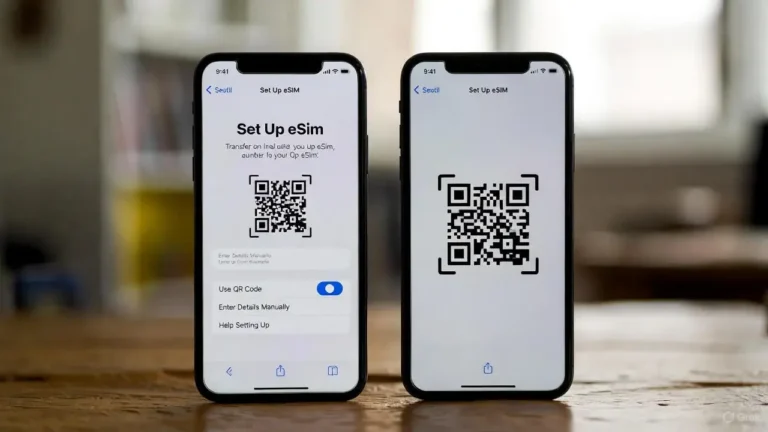
- QR code activation: scan the QR code provided by the carrier/eSIM provider.
- Carrier app activation: install the carrier app and follow in-app eSIM setup.
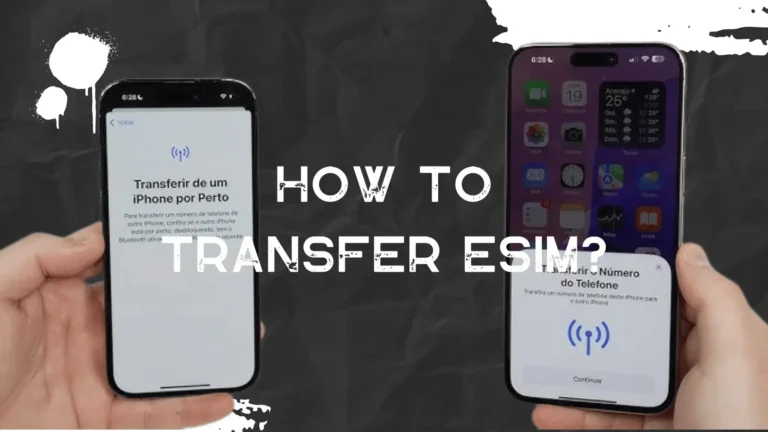
- Carrier transfer/activation: some carriers can push eSIM to the phone after verification.
Practical setup for travelers:
- Keep your home SIM (physical) for calls/texts.
- Set the eSIM as Cellular Data.
- Turn off “Allow Cellular Data Switching” if you want to prevent unexpected roaming charges on your primary line.
Common questions users ask next
- Do I need a phone number on the eSIM? Travel eSIMs often provide data-only service; calls use apps (VoIP) or your primary line.
- Can iPhone 12 use 5G on eSIM? iPhone 12 is a 5G device, and 5G availability depends on your carrier/eSIM plan and local network coverage.
- Will hotspot (tethering) work on eSIM? It depends on the eSIM plan rules. Some travel eSIMs allow hotspot, others block it or cap it.
- What about APN settings? Some eSIMs install APN automatically; if data does not work, check the plan’s APN instructions and confirm the correct line is selected for mobile data.
Troubleshooting when eSIM won’t add or won’t work
- eSIM option missing: update iOS, re-check region/model variant, and confirm the device is not restricted by the carrier.
- “Unable to Activate” errors: confirm the phone is unlocked, confirm the QR code is unused, and retry on stable Wi‑Fi.
- Data not working after install:
- Set the eSIM as Cellular Data.
- Confirm roaming settings required by the provider (some travel eSIMs require Data Roaming ON).
- Verify APN only if your provider explicitly requires it.
Want the article tailored for a travel intent (example: “iPhone 12 eSIM for USA/Europe/Japan”) or a carrier intent (Verizon, AT&T, T-Mobile)?

Tasnima Tabassum Ema is the Founder and Lead Data Analyst at eSIM Expart. Driven by her own costly roaming nightmares, she built the site to save fellow travelers money. She specializes in rigorous, real-world testing and calculating the true cost per Gigabyte ($/GB) to ensure you always get the cheapest, most reliable connection.